The background is the animation
reel
Scroll this page. The copy stays readable and still; the color film behind it scrubs frame by frame with your scroll.
Animation workflow
The moving part is the video timeline. The rest of the page is ordinary content layered over it.
Pick video
Start with a color-water clip, product footage, or any local source.
Prepare asset
The CLI trims, scales, extracts a poster, and encodes dense keyframes.
Pin stage
A sticky full-screen video sits behind the document.
Map scroll
Track progress becomes video.currentTime on every animation frame.
Ship page
Use static content, reveals, React, or plain HTML depending on the experience.
Architecture
The framework is small because the model is small: a scroll track, a pinned video, a seek loop, optional reveal helpers, and adapters.
CLI
Download, trim, scale, posterize, and encode keyframes.
bin/reel.mjsTrack
Measure one tall element and normalize scroll to 0..1.
data-reel-trackEngine
Ease toward scroll target in RAF and seek the video.
src/core.tsHelpers
Optional reveal windows use the same progress value.
createReveals()Adapters
React and no-framework DOM APIs sit on the core.
src/react.tsxExamples
Each demo is one film scrubbed by scroll. The featured page runs the actual CLI-prepared color-water MP4; the others show reveal and layout patterns on their own footage.
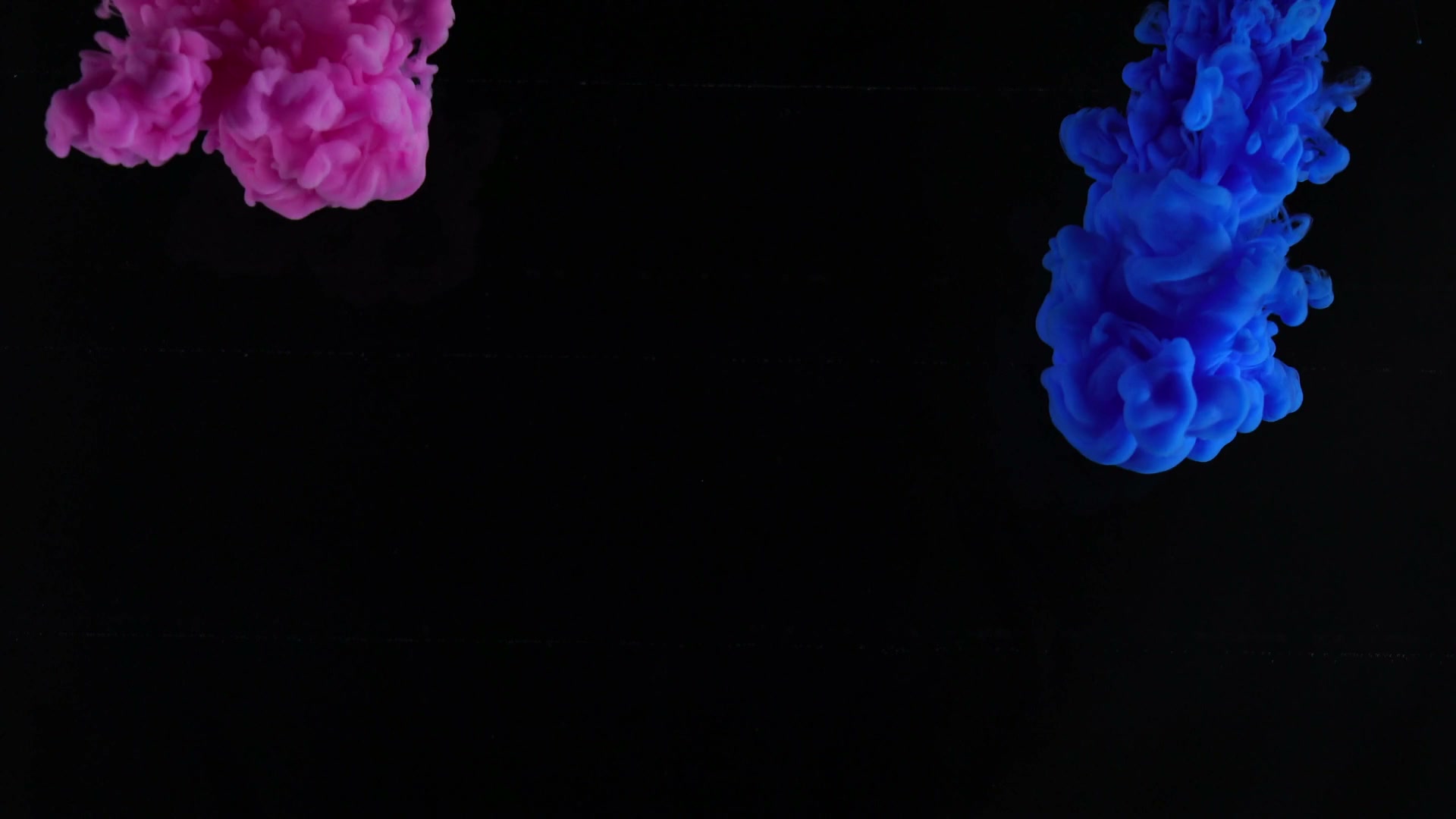
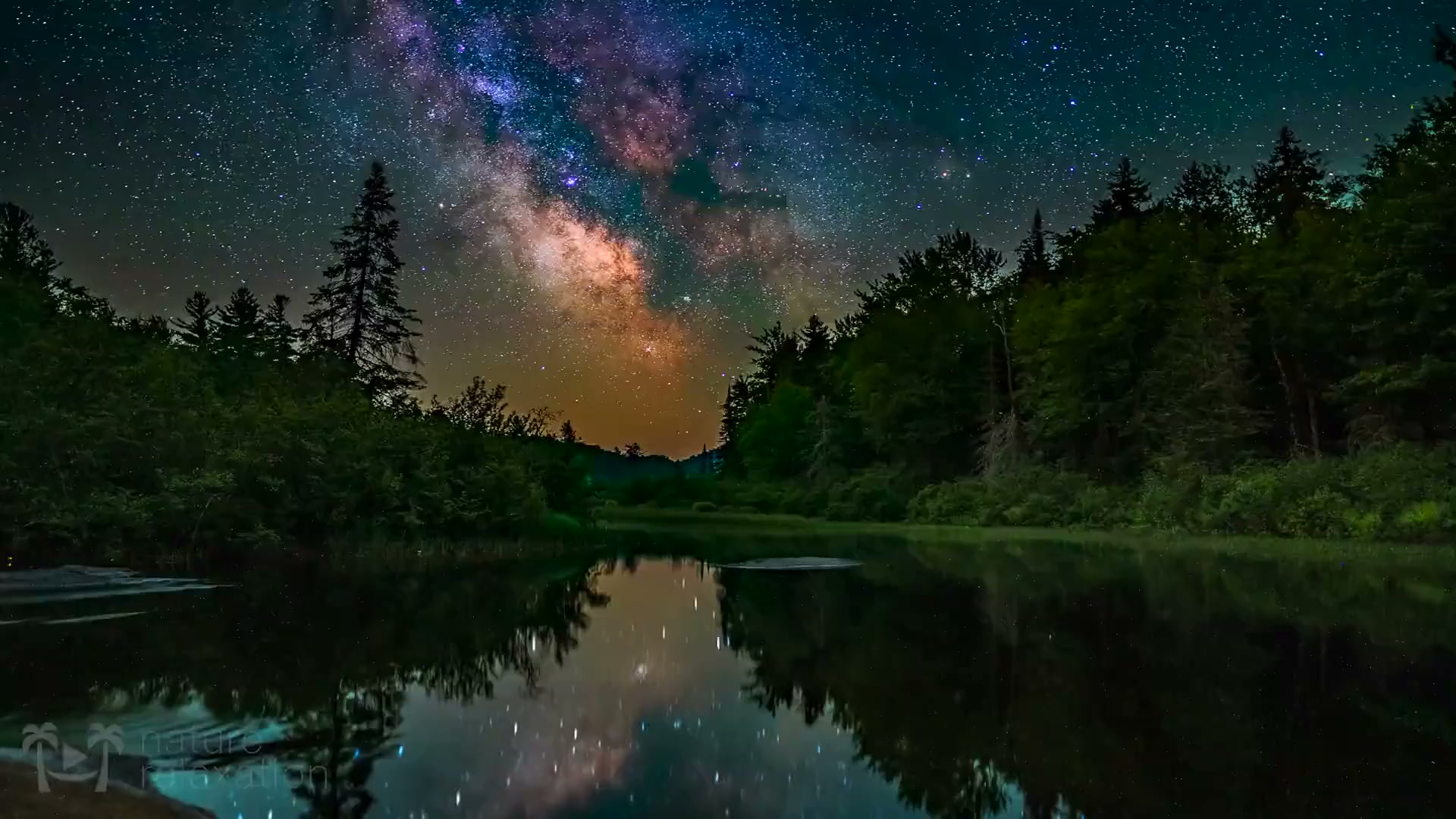
Color water motion page
A campaign-style page built on the real CLI-generated asset. Open it to see the framework as a brand page, not documentation.
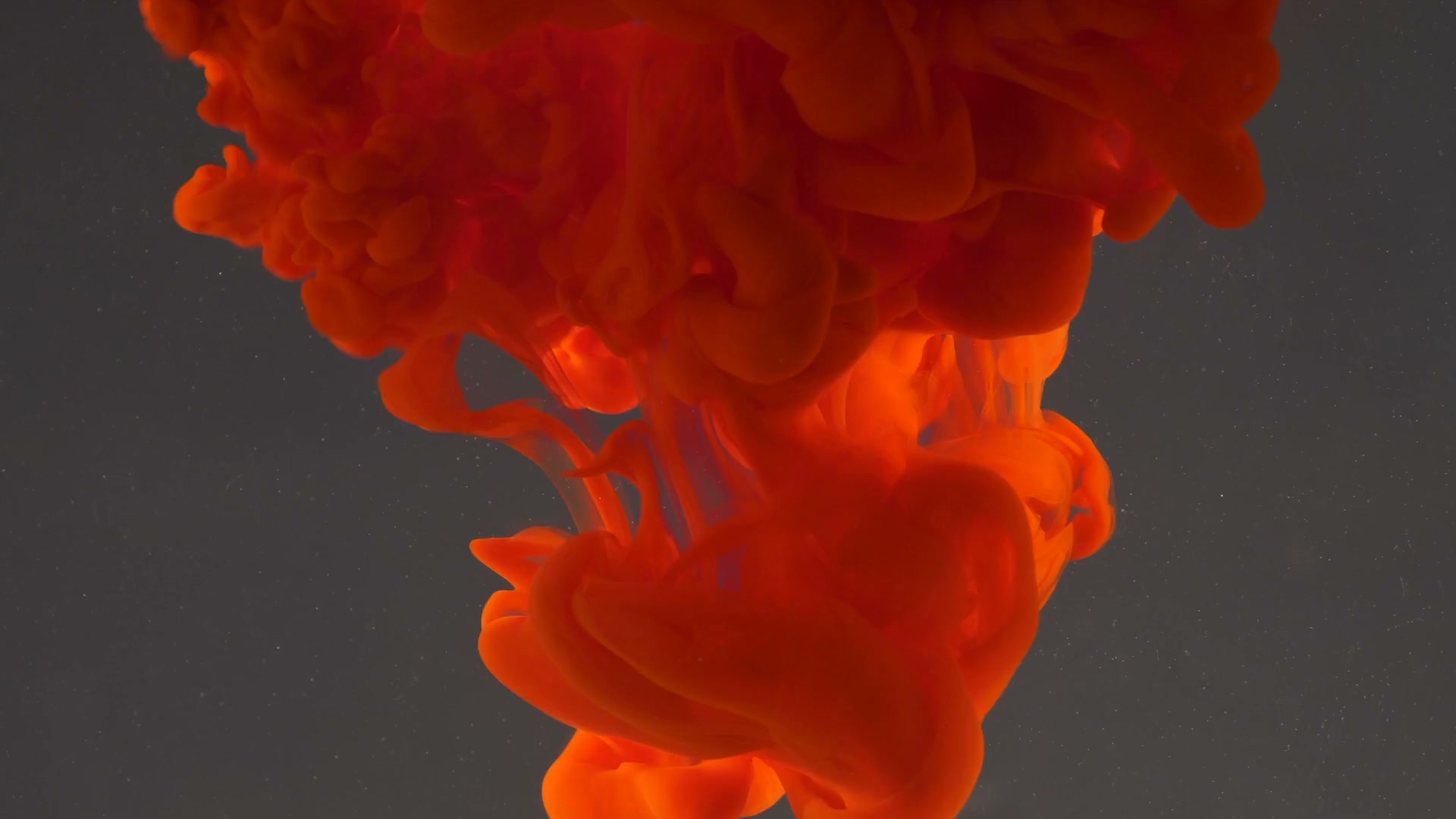
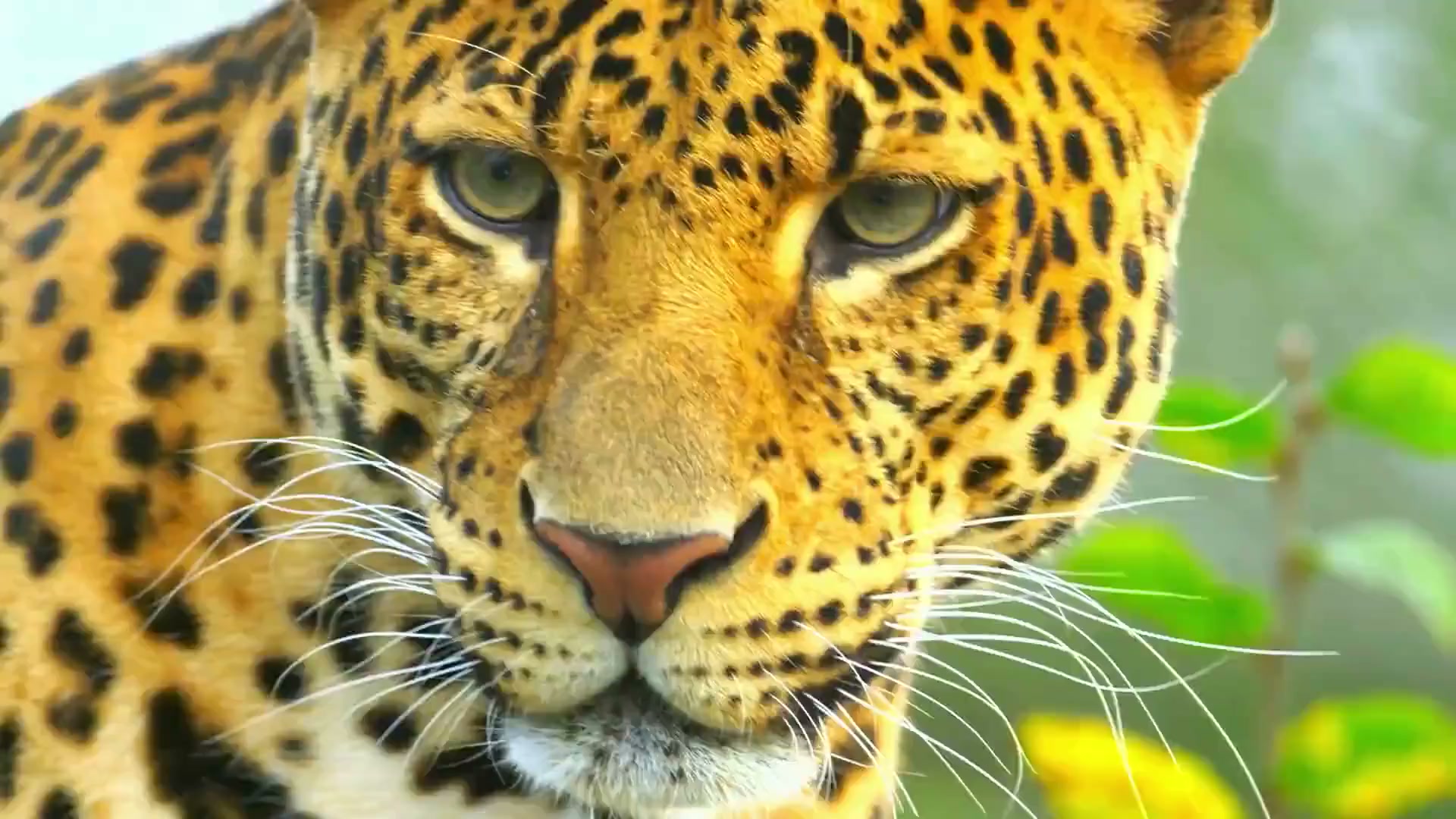
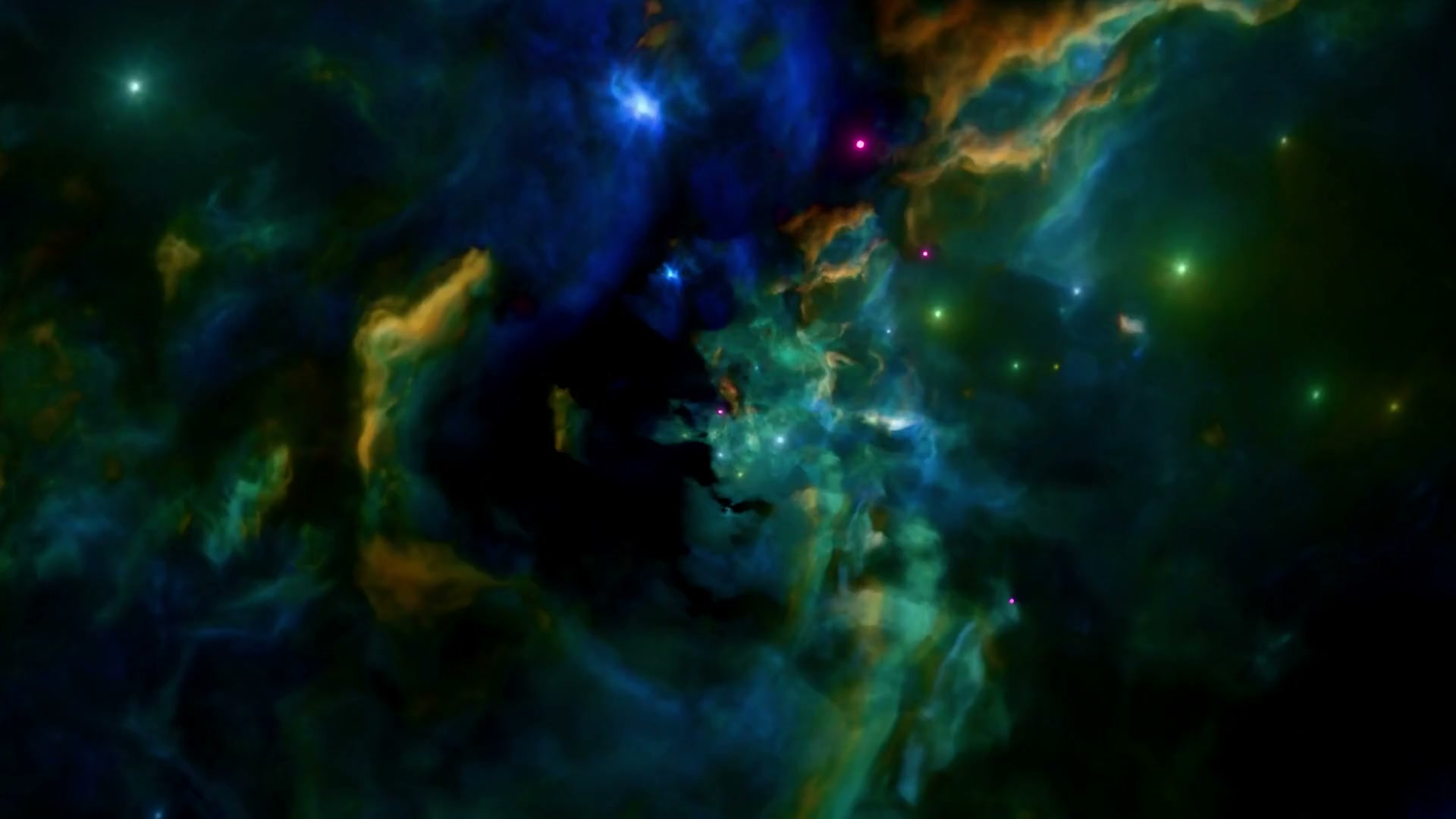
Output quality
Scroll scrubbing punishes soft video because every seek can expose compression. The CLI prepares vivid animation clips for seeking instead of normal playback.
Use `balanced` for hosted demos. Move to `sharp` for pages where the footage is the whole product experience.
npx reel-it prepare ./raw/color-water.mp4 \
  --seconds 10 --quality balanced --name color-water
Fast iteration and compact previews.
The default for hosted examples.
Higher-fidelity hero pages.
Quickstart
# install
npm install reel-it

# prepare the actual example asset
npx reel-it prepare ./raw/color-water.mp4 \
  --seconds 10 --quality balanced --name color-water

# same workflow for any downloaded clip
npx reel-it prepare ./raw/downloaded-clip.mp4 \
  --seconds 10 --quality balanced --name campaign-bg
import { Reel } from "reel-it";
import "reel-it/styles.css";

<Reel src="/color-water.mp4" poster="/color-water-poster.jpg"
      length="420vh" preload="eager" seek="precise">
  <section>Static page content over the moving background</section>
</Reel>
React
`Reel` creates the track, sticky stage, video, optional overlay, and content layer.
<Reel src="/clip.mp4" poster="/clip-poster.jpg"
      length="420vh" smoothing={0.3} seek="precise"
      preload="eager" overlay="rgba(255,255,255,.45)">
  <section>Your static content</section>
</Reel>
Plain HTML
This page uses the same shape with a custom progress callback.
<main data-reel-track>
  <div class="reel-stage">
    <video data-reel-video src="clip.mp4" muted playsinline></video>
  </div>
  <div class="reel-content">Static content</div>
</main>
Core API
For custom progress UI like the meter on this page, wire the core directly.
import { createReel } from "reel-it/core";

createReel({
  track,
  video,
  smoothing: 0.3,
  seek: "precise",
  onProgress: (p) => root.style.setProperty("--progress", p),
});
Ship a page with a moving background
Questions, ideas, or examples built with reel.